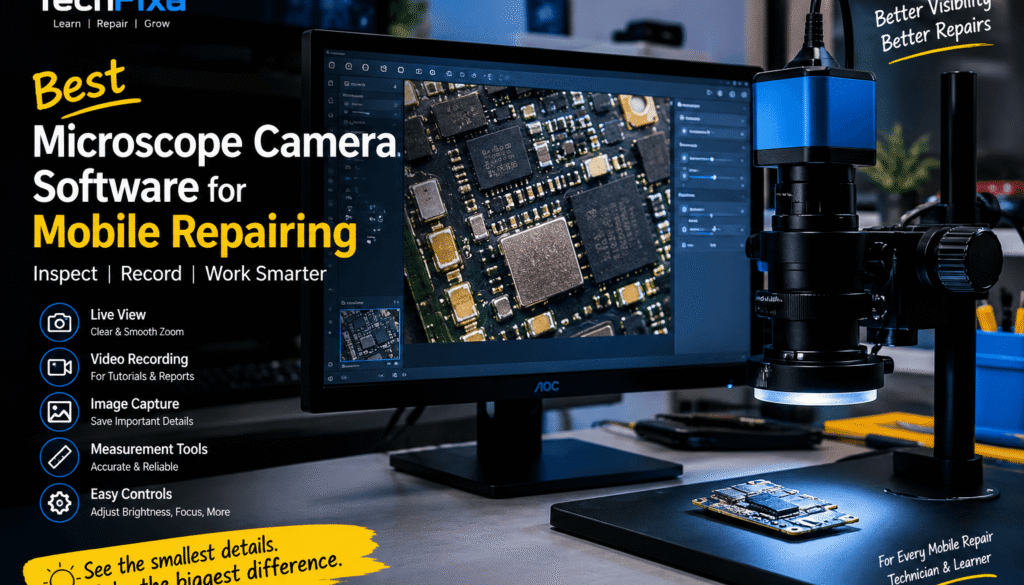
Best Microscope Camera Software for Mobile Phone Repairing
When repairing a mobile phone motherboard, seeing the smallest components clearly can make a big difference. Whether you are checking a short circuit, inspecting a damaged track, or working on a tiny SMD component, a good microscope camera setup helps you work with better visibility.
But buying a microscope camera is only one part of the setup. You also need suitable software to view the live camera feed on your computer, inspect motherboard components, and record your repair work for future reference or tutorials.
If you are looking for microscope camera software for mobile phone repairing, here is what you should know before choosing the right solution.
Why Is Microscope Camera Software Important for Mobile Repairing?
Modern smartphone motherboards contain tiny components, closely spaced solder points, and complex circuit layouts. Working with these components using only your eyes is difficult, especially during chip-level repairs.
Microscope camera software allows technicians to view the motherboard on a larger computer screen. Depending on the software and camera, you may also be able to capture images, record videos, adjust the displayed image, and measure components.
For mobile phone repair technicians, these features can be useful during:
IC replacement and reballing
PCB track and pad inspection
SMD component identification
Charging section and power supply fault diagnosis
Corrosion and liquid damage inspection
Soldering and micro-soldering work
Recording repair tutorials and practical demonstrations
What Should You Look for in Microscope Camera Software?
Not every microscope camera application offers the same features. Before installing software, check whether it supports your camera and provides the tools you actually need.
1. Live Microscope Camera View
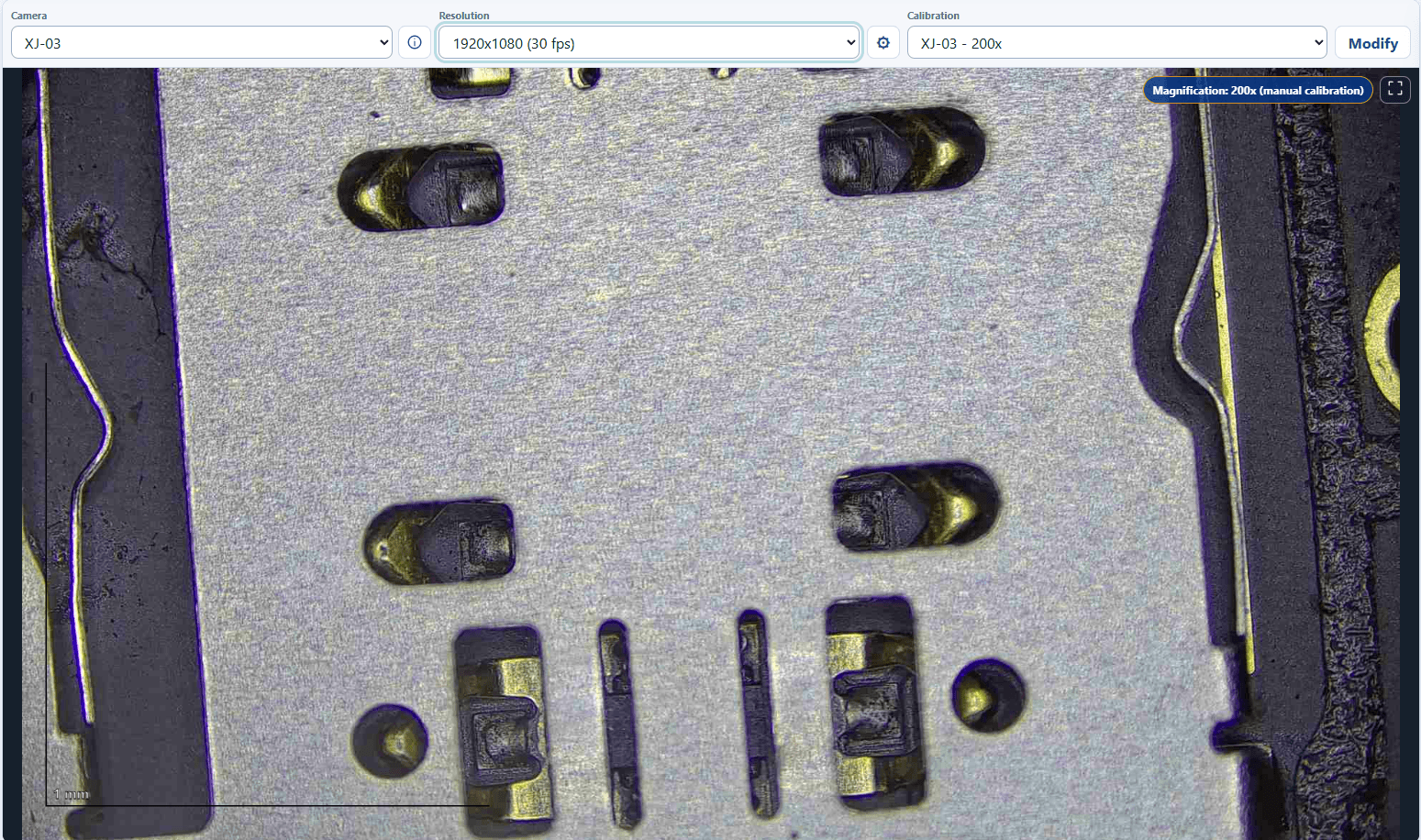
The software should display the microscope camera feed smoothly on your Windows computer. A clear live view helps you position components, inspect solder joints, and work accurately under magnification.
2. Video Recording for Repair Tutorials
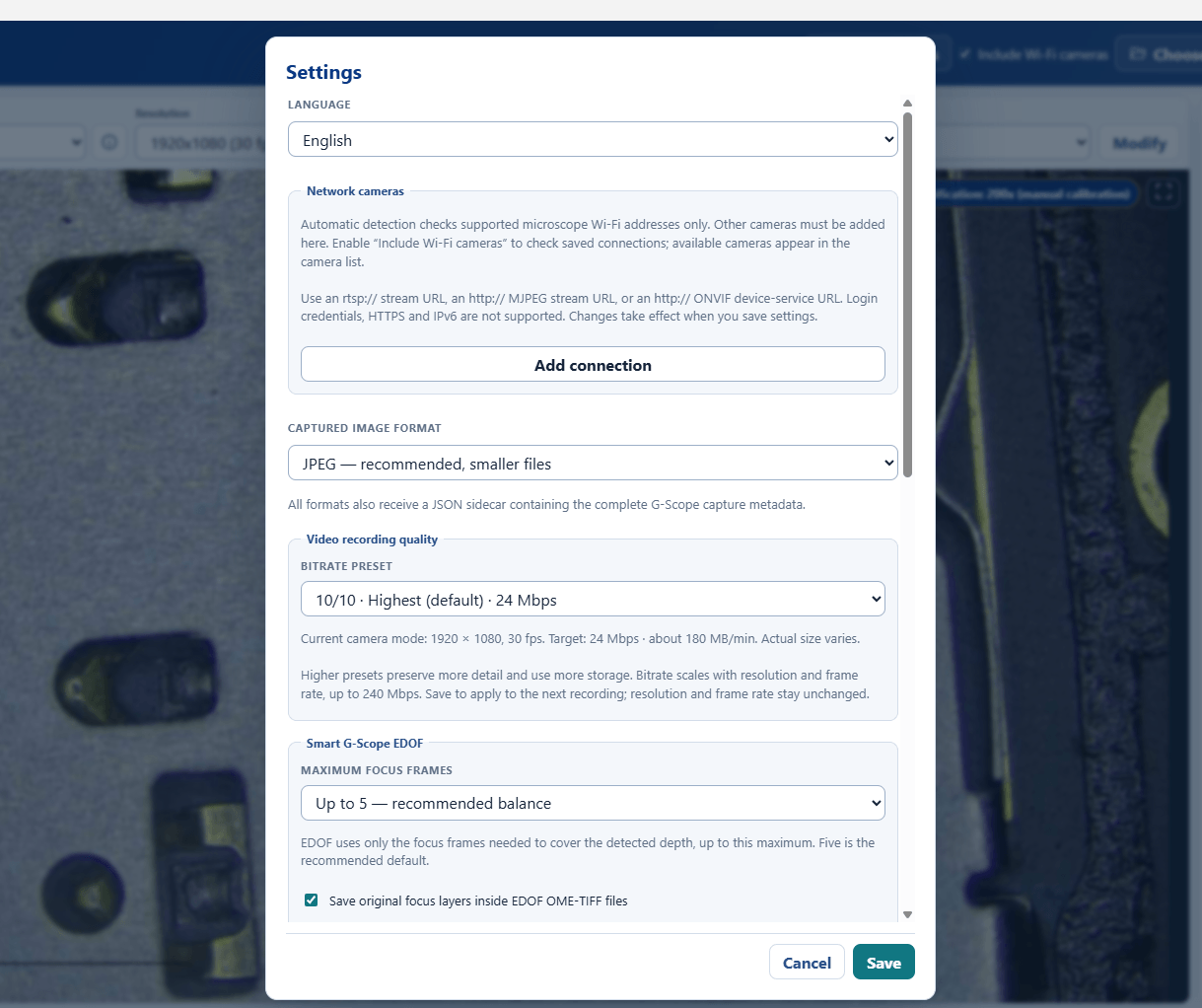
Video recording is particularly useful for technicians who create educational content. You can record IC removal, soldering, jumper work, motherboard inspection, and other repair procedures.
Recorded footage can also be used to review your technique or prepare practical lessons for mobile repairing students.
3. Image Capture
The ability to capture still images helps you document motherboard conditions before and after a repair. These images are useful when comparing damaged tracks, solder pads, corrosion, and replaced components.
4. Measurement Tools
Some microscope software packages offer measurement features, including tools for measuring distances between points or estimating component dimensions.
However, measurements in microns are reliable only when the software supports calibration for your particular camera, lens, magnification, and working distance. A measurement feature alone does not guarantee accurate micron-level readings.
5. Camera Compatibility
This is one of the most important points. A microscope camera may use a USB connection, but that does not mean every camera application will support it.
Check the camera manufacturer’s compatibility information, supported drivers, and connection requirements before installation.
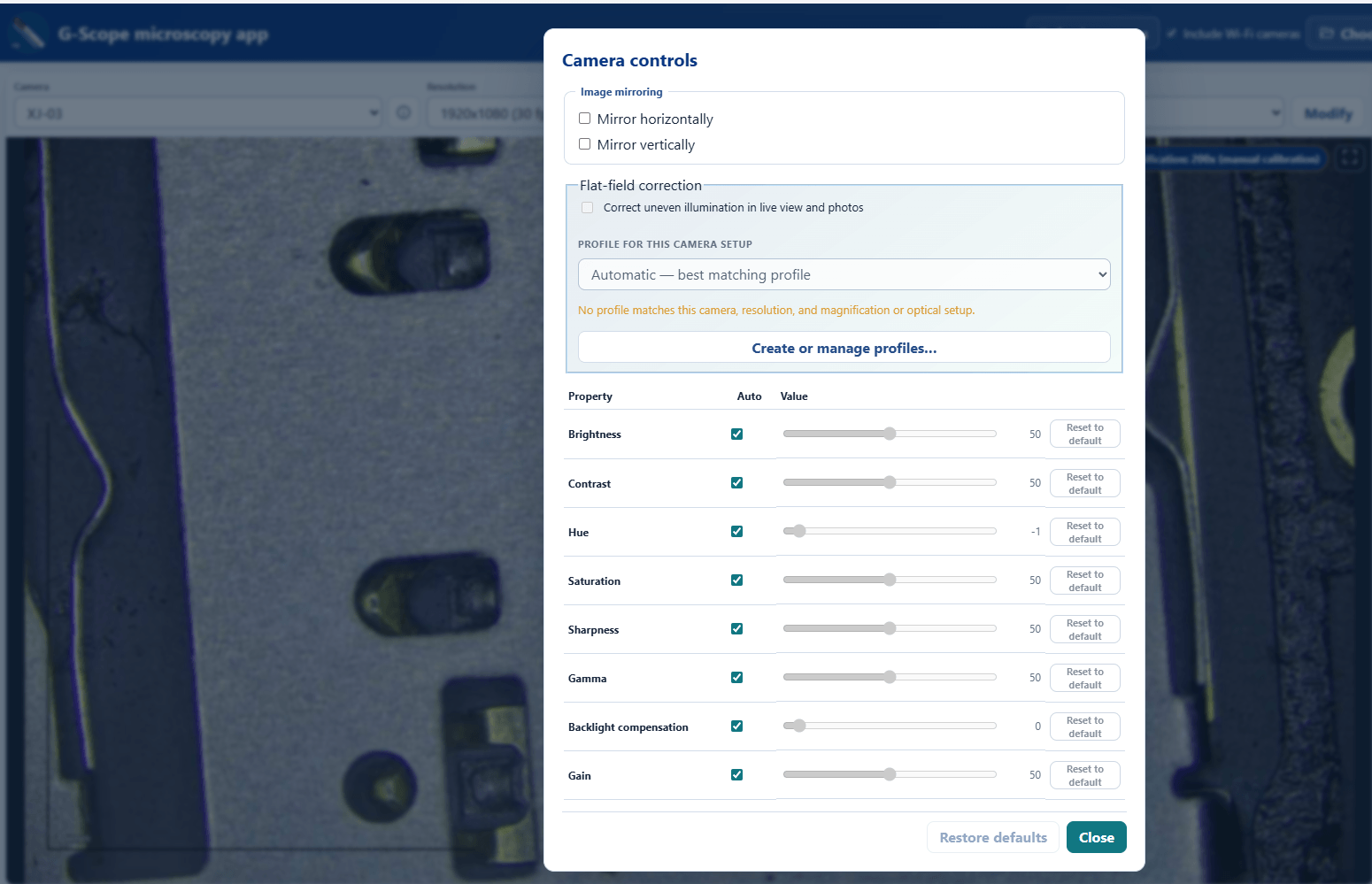
6. Easy Controls and Image Adjustment
Adjustable brightness, exposure, white balance, and other image controls can make small components easier to inspect. The available controls depend on both the camera hardware and the software.
A Practical Setup for Mobile Phone Motherboard Repair
For a useful microscope inspection and recording setup, you generally need:
A compatible digital microscope camera.
A microscope lens with suitable magnification and working distance.
A Windows PC or laptop.
Compatible camera software and drivers.
Proper lighting to reveal solder joints and PCB details.
Once the camera is connected, install the appropriate driver if required, open the compatible software, select the camera, and check the live image. Test image capture and video recording before beginning an actual repair.
If you need accurate component measurements, calibrate the software using a suitable calibration scale at the same optical setup and magnification used for inspection.
Is Microscope Camera Software Useful for Mobile Repairing Classes?
Yes. A microscope camera connected to a computer can make practical demonstrations easier for students to follow.
Instead of asking everyone to look through an eyepiece, a trainer can display the magnified motherboard view on a larger monitor. Recording lessons also makes it possible to revisit important procedures such as soldering, pad repair, and IC rework.
For mobile phone repairing academies, this setup can be particularly useful during chip-level hardware training.
Final Verdict
Choosing the right microscope camera software depends on your camera model, computer compatibility, recording requirements, and need for measurement tools.
For mobile phone repairing, prioritise a stable live camera view, convenient video recording, image capture, and properly calibrated measurement features. Always verify camera compatibility before installing a new application.
A suitable microscope camera and software combination can make PCB inspection more convenient and help technicians document their repair work more effectively.
Follow TechFixa for more mobile phone repairing tools, microscope camera guides, chip-level repair techniques, and practical electronics tutorials.
Have You Tried This Microscope Software?
Have you used this software for mobile phone repairing, motherboard inspection, or microscope camera video recording?
Vote below and share your experience with other technicians!
Did it work with your microscope camera?
Your vote will help other mobile repair technicians choose the right software for their setup.
Share your camera model and Windows version in the comments if you experienced any compatibility issues.