
iPhone Panic Log Analyzer: Tools, Codes & Hardware Diagnosis
iPhone Keeps Restarting? Start With the Panic Log
You know the situation. An iPhone comes in restarting every few minutes. Sometimes it started after a screen replacement, battery change or charging-port repair. Other times, the customer says nothing happened before the problem started.
Instead of changing parts one by one, I prefer to check the panic-full.ips log first. It can point us towards a missing sensor, watchdog timeout, I²C communication issue or another system problem.
The trick is knowing which part of the log matters, what the code actually tells us, and which tool can help interpret it.
Here are the tools worth knowing, along with a practical guide to reading panic logs at the repair bench.
1. How to find the iPhone panic-full.ips file
On the iPhone, go to:
Settings → Privacy & Security → Analytics & Improvements → Analytics Data
Look for a filename starting with panic-full. Choose the newest relevant file and save or share it to your computer, where supported.
If the phone restarts repeatedly, collect a few recent logs if possible. Comparing them can help establish whether the same panic is recurring.
If the iPhone won’t stay on long enough to retrieve the file, a compatible computer-based log extraction method may help.
2. How to read a panic log
Open the .ips file in a text editor. You don’t need to understand every line at first. Start with these fields:
| Log information | What it tells you |
|---|---|
product | The device’s internal model identifier |
os_version | The iOS version and build |
bug_type | The category of diagnostic report |
panicString | The main panic message; usually the best starting point |
Missing sensor | A sensor the system could not detect or communicate with |
userspace watchdog timeout | A required system process failed to respond in time |
SMC PANIC | An SMC-related panic that may include sensor-array details |
AOP PANIC | A panic involving the Always-On Processor subsystem |
I2C references | Information that may help narrow down a communication problem |
Don’t diagnose from one keyword alone. Read the full panic message and confirm the exact iPhone model. Internal sensor codes and hardware layouts can differ between generations.
3. Common panic messages and where to start
These are diagnostic starting points—not automatic instructions to replace a part.
Missing sensor / thermalmonitord
Check which sensor or process is named in the full report. Depending on the model, the next step may involve a charging-port flex, front sensor assembly, battery-data path, or another connected component.
userspace watchdog timeout
Identify the process that failed to check in. Some watchdog panics are associated with hardware or sensor problems; others may be software-related. The word watchdog alone doesn’t confirm a defective flex.
SMC PANIC / SENSOR ARRAY
Record the complete SMC panic message and sensor-array value. Match the value to a reliable reference for the exact model before choosing which assembly to test.
AOP PANIC
This points towards the Always-On Processor subsystem. Read the rest of the panic information before deciding whether to investigate a connected sensor, peripheral, or board-level issue.
I²C errors
Check the bus reference and the components connected to that bus on the particular model. A communication error can come from a component, connector, corrosion, or damaged board line.
ANS / ANS2
These messages may point towards the storage subsystem. Check the complete signature and other evidence before considering NAND or board-level work.
For more detailed model-specific references, see iFixit’s iPhone Kernel Panics guide.
4. Best iPhone panic log analyzer tools
1. iDevice Panic Log Analyzer
Recommended FREE
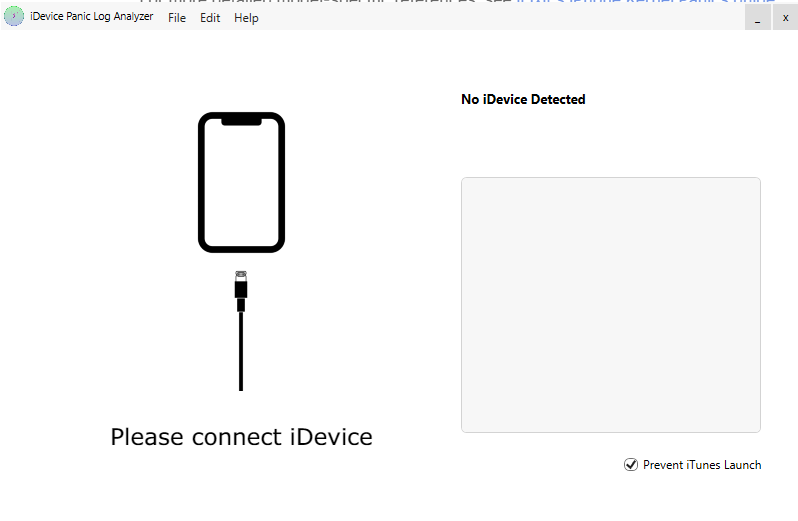
iDevice Panic Log Analyzer is a specialized, lightweight diagnostic utility designed to help iPhone users and technicians decode cryptic system crash reports. By simply connecting your device, the software automatically scans and translates complex panic logs into readable formats, making it much easier to pinpoint hardware failures or software glitches. What makes this tool even better is that it is completely free to use. It comes highly recommended by TechFixA—in fact, we always use it in our own workflow for reliable troubleshooting—making it an essential, time-saving addition to your tech toolkit.
Is this working for you?
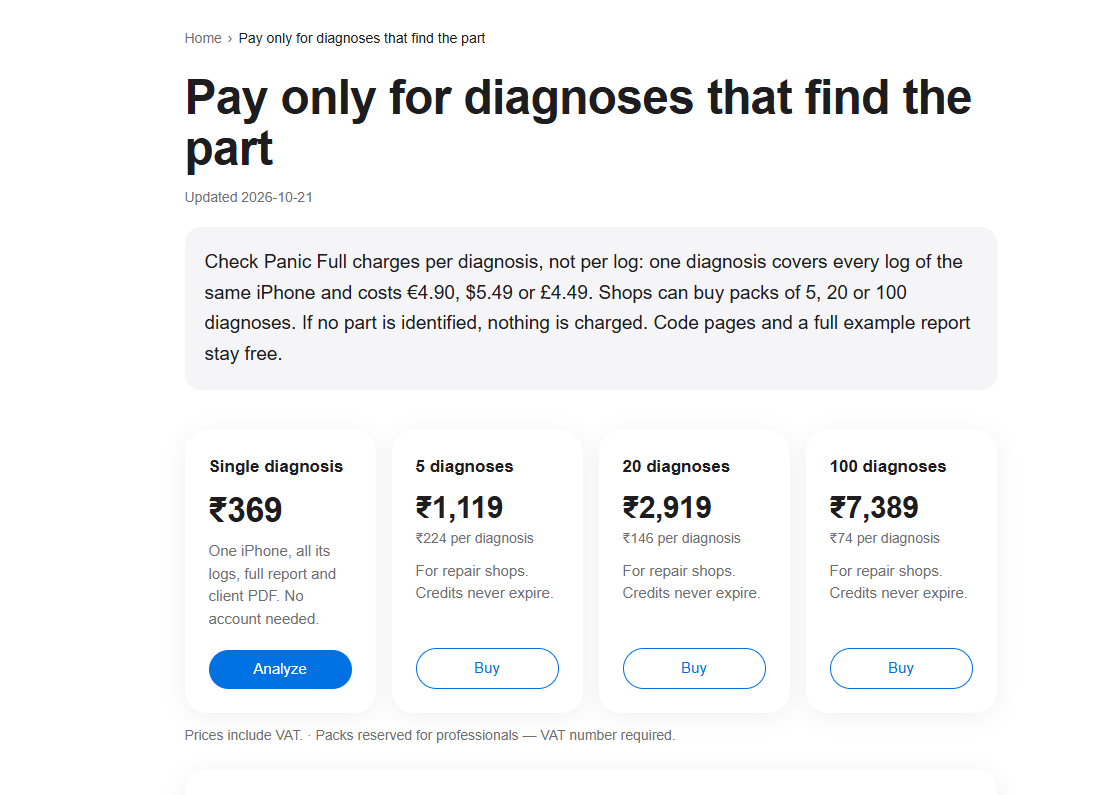
2.Check Panic Full
Paid
Type: Online website
Price: Check the website for current terms.
A dedicated panic-full analyzer that accepts .ips files or pasted log contents. It identifies possible faulty components and provides diagnostic suggestions. It can also compare multiple logs from the same device.
Useful for: Quick panic-log analysis and identifying possible hardware faults.
Is this working for you?
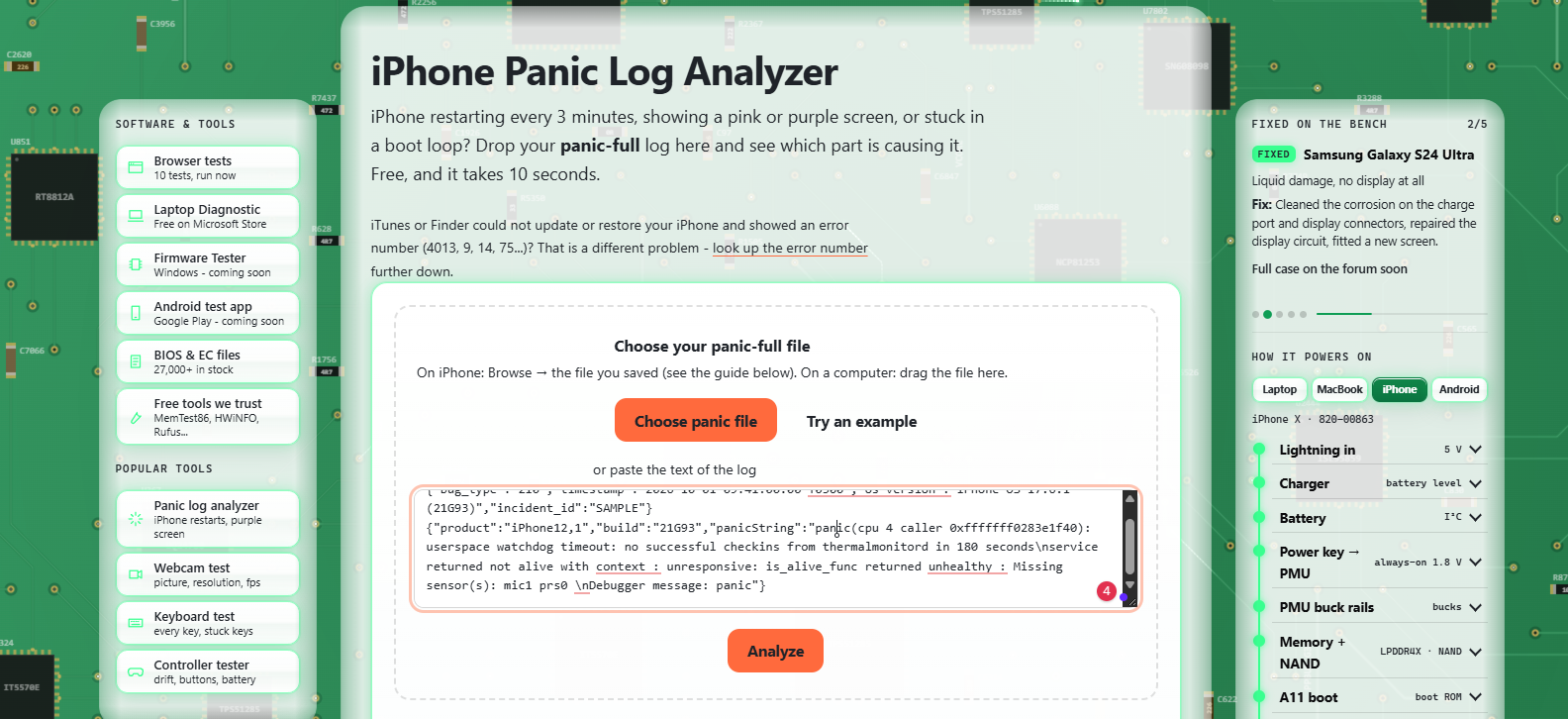
3. NoPowerFix Panic Log Analyzer
FREE
Type: Online website
Price: Free
A free browser-based analyzer that reads the panic log locally in your browser. Its site provides model-specific restart references and suggested components to investigate.
Is this working for you?
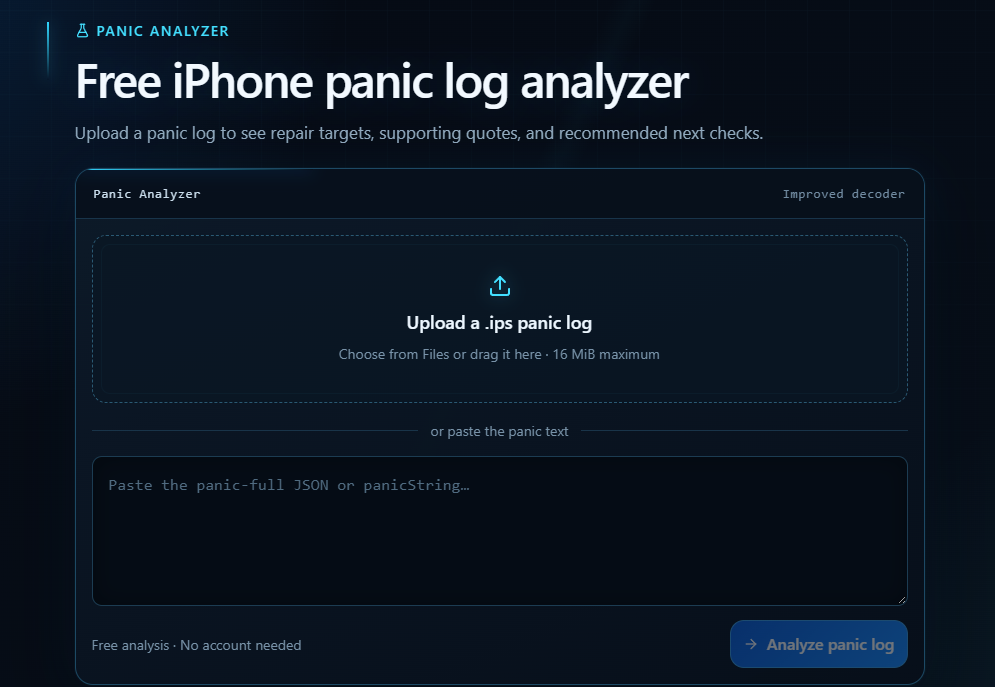
4. iC Panic Log Tool
FREE
A browser-based tool for uploading an .ips file or pasting panic text. It displays possible repair targets and supporting evidence.
Price: Free, according to the website.
5.iDiagTool
Recommended Paid
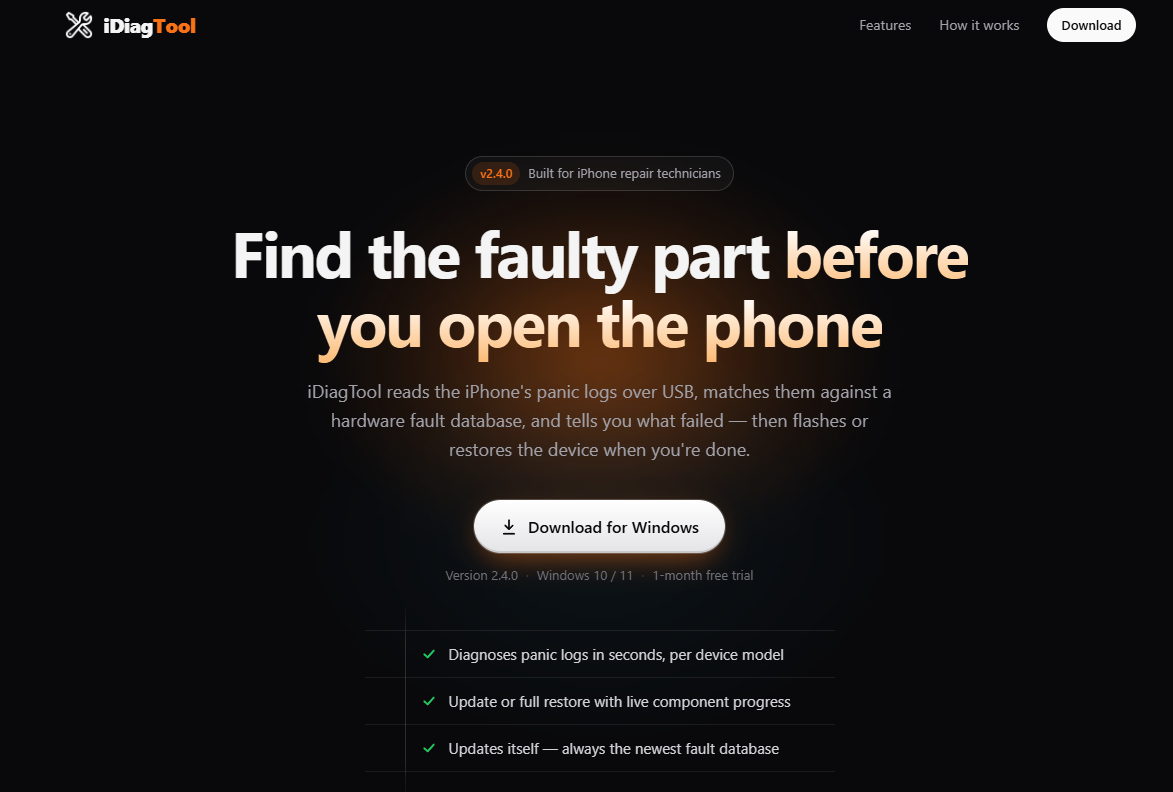
Is this working for you?1 Working0 Not Working
Balance iPhone Panic-Full Log Analyzer Tools
Compare free and paid online analyzers, desktop applications and open-source tools for mobile phone repair technicians.
| Tool | Type | Pricing | Main use | Official link |
|---|---|---|---|---|
| 6. PanicFull.com | Online analyzer | FREE | Online panic-log analysis and repair references; optional Pro features. | |
| 7. iPanic Analyzer | Online analyzer | Paid | Log analysis, diagnostic suggestions and reports; complimentary analysis followed by paid credits. | |
| 8. fxServis Ultimate | Online service | Paid | Panic-log analysis and repair reference resources; demo and paid access. | |
| 9.PyPanic | Python / desktop | FREE | Inspecting panic logs and exploring possible hardware causes. | |
| 10. iCrash Diagnostic Tool | Desktop / GitHub | FREE | Reviewing log patterns and possible fault clues; check release details. | |
| 11. iPhone Panic Analyzer by mwuusd | Python / command line | FREE | Experimental subsystem-candidate analysis; results require verification. | |
| 12. iOS Analytics File Parser | Browser / open source | FREE | Parsing analytics files; not a dedicated hardware diagnosis engine. | |
Additional Utility
| Tool | Type | Pricing | Purpose | Official link |
|---|---|---|---|---|
| 13. iPanic Extractor | Windows utility | FREE | Extracting panic-full logs; it is not the analyzer itself. | |
Pricing and features can change. Check the official website or repository before purchasing or downloading. Experimental and open-source tools may have limited device coverage.
A Quick Request to Fellow Technicians
These are all the iPhone Panic Full log analyzer tools I currently know about and have included in this article. If you have used any other tools that are not listed here, please mention their names and official links in the comment section. I’ll verify them and add the useful ones to this list to help other technicians.
Your experience and suggestions can help make this list more complete and useful for everyone. Thank you for sharing! 🙌