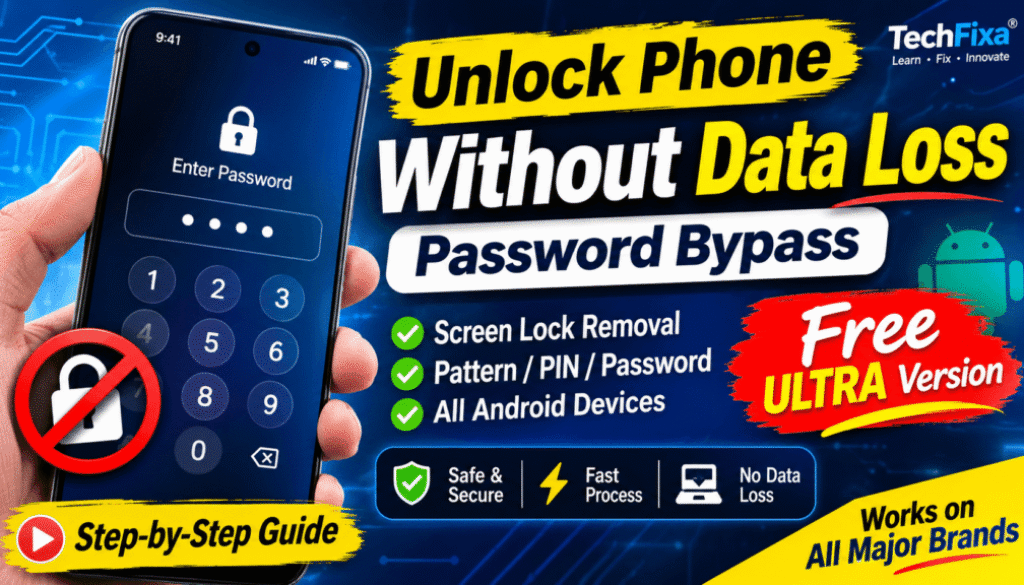
MOBILedit Forensic Ultra Free Download – Advanced Features, Android Support & Installation Guide
Are you searching for MOBILedit Forensic Ultra free download? Looking for an advanced mobile forensic solution with Android support, physical data acquisition, encryption analysis, and advanced device examination capabilities?
In this article, we introduce MOBILedit Forensic ULTRA Edition, its advanced features, supported devices, and installation process. We have also included a detailed installation video to help you understand the setup process step by step.
Whether you are a mobile phone technician, digital forensic learner, law enforcement professional, or forensic specialist, this guide will help you explore the capabilities of MOBILedit Forensic Ultra.
What is MOBILedit Forensic Ultra?
MOBILedit Forensic Ultra is an advanced mobile device forensic software solution designed for professional smartphone examination, data acquisition, and digital forensic investigations.
The ULTRA edition is intended for users who require advanced functionality, making it suitable for law enforcement agencies, industry experts, and digital forensic professionals.
It includes all the features of the PRO edition, together with additional advanced forensic capabilities for supported mobile devices.
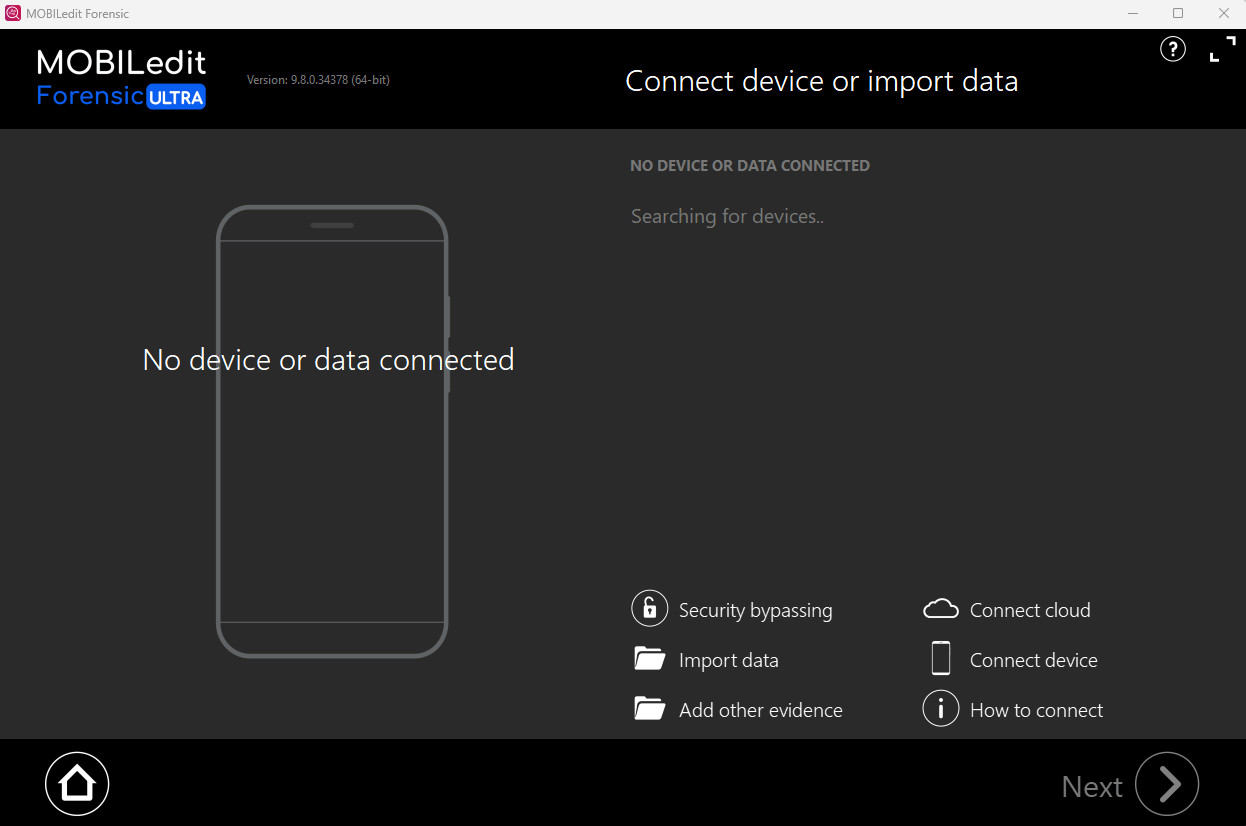
MOBILedit Forensic ULTRA vs PRO Edition
The ULTRA edition is designed for professionals who need more advanced capabilities than those available in the PRO edition.
While PRO provides mobile forensic examination features, ULTRA adds advanced functionality related to screen-lock handling, authentication, physical acquisition, encryption, chipset-level techniques, and exploit utilization.
Advanced Features of MOBILedit Forensic ULTRA
Here are some of the major additional features available in the ULTRA edition.
1. Screen Lock Unlocking
Advanced capabilities for handling supported smartphone screen locks during authorized forensic examinations.
2. Authentication Bypassing
Additional authentication-related forensic capabilities for supported devices and investigation scenarios.
3. Brute Force Attacks
Brute-force-based techniques for supported forensic examination workflows.
4. Physical Data Acquisition
Physical data acquisition capabilities for obtaining device data through supported forensic methods.
5. Deleted Data Recovery
Capabilities to examine and recover deleted data where supported by the device, storage condition, and acquisition method.
6. GPU Utilization
GPU acceleration for supported computationally intensive forensic operations.
7. Full Disk Encryption (FDE)
Advanced capabilities related to supported Full Disk Encryption implementations.
8. File-Based Encryption (FBE)
Forensic capabilities for examining supported Android File-Based Encryption environments.
9. Online and Offline Decryption
Support for applicable online and offline decryption workflows.
10. Chipset Attacks
Advanced chipset-level forensic techniques for supported hardware platforms.
11. Exploits Utilization
Utilization of supported forensic exploits for advanced mobile device examination.
12. Cloud Forensics (Optional)
Optional cloud forensic capabilities, depending on the available package and licensing.
Android Support and Supported Mobile Brands
MOBILedit Forensic ULTRA is designed to support a large variety of smartphone manufacturers and newer Android versions.
Its compatibility and available forensic capabilities depend on several factors:
-
Smartphone manufacturer and model.
-
Android version.
-
Security patch level.
-
Device chipset.
-
Firmware and bootloader configuration.
-
Available forensic acquisition methods.
Not every feature works with every smartphone. Always check device compatibility before starting an examination.
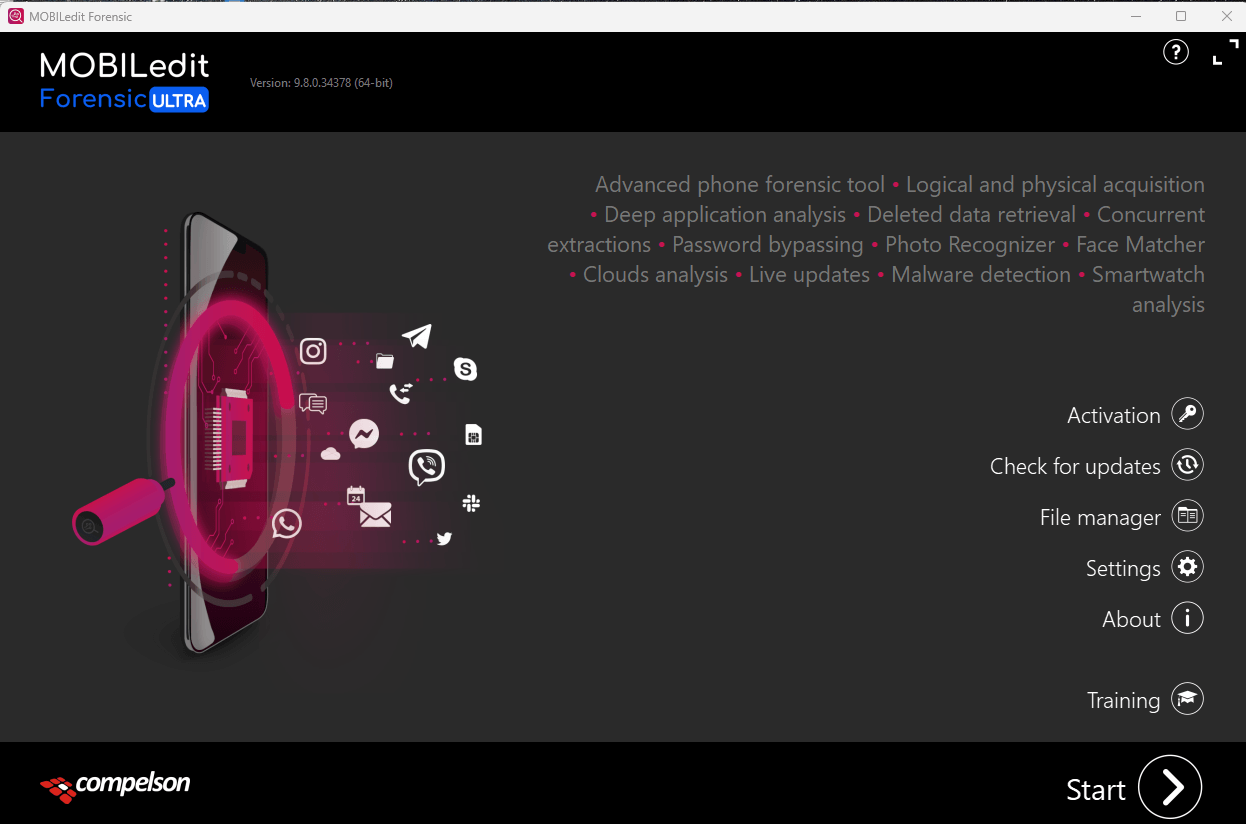
Why Is MOBILedit Forensic ULTRA Useful?
Mobile devices contain important digital information, and forensic professionals often need specialized tools to examine that information.
MOBILedit Forensic ULTRA provides advanced capabilities for supported forensic workflows, making it relevant to:
-
Digital forensic professionals.
-
Authorized mobile device investigators.
-
Law enforcement agencies.
-
Mobile technology researchers.
-
Forensic laboratories.
-
Professional smartphone examination environments.
MOBILedit Forensic Ultra Installation Guide
To make installation easier, we have prepared a detailed video tutorial.
The video explains the installation process step by step, including the required setup components and drivers.
Watch the Complete Installation Video
[INSERT YOUR YOUTUBE VIDEO HERE]
Watch the complete tutorial before starting the installation. Follow the instructions carefully and verify that your computer meets the software requirements.
Installation Requirements
Before installing, make sure you have:
-
A compatible Windows computer.
-
Sufficient available storage.
-
Required device drivers.
-
Compatible software components.
-
A valid software license and authorized installation package.
For security, use official installation files and trusted software components. Avoid unknown modified executables.
MOBILedit Forensic Ultra Free Download
Looking to explore MOBILedit Forensic ULTRA?
You can find the available download information below.
Software: MOBILedit Forensic ULTRA
Edition: ULTRA
Platform: Windows
Category: Mobile Phone Forensic Software
Usage: Authorized mobile device examination and digital forensic analysis.
Please note that downloading an installation package does not automatically provide an official software license. Some features may require activation or a valid subscription.
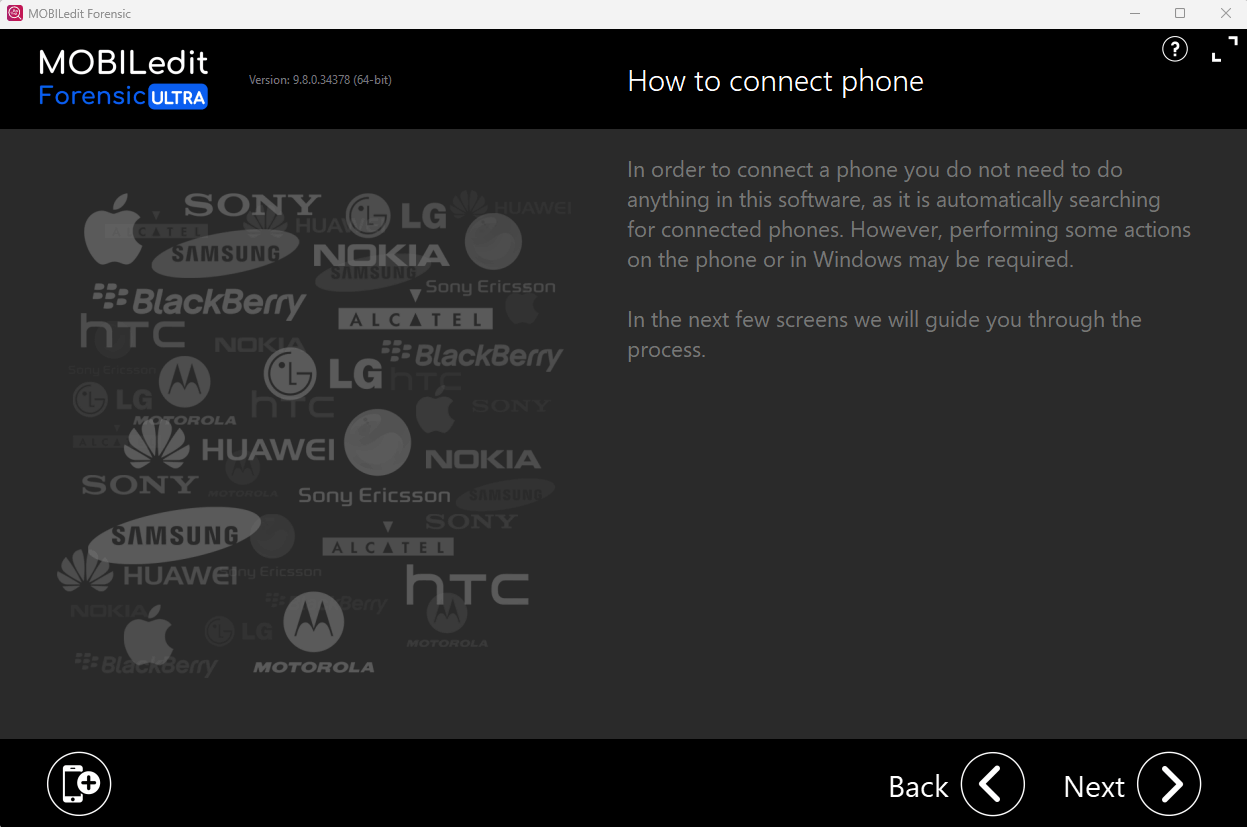
File Password: TECHFIXA.COM
Did MOBILedit Forensic Ultra Work for You? Vote Below!
We would like to know your experience after installing the software.
Did the installation work successfully on your computer?
-
YES – Successfully installed and working.
-
NO – Installation problem.
-
NEED HELP – I need installation support.
Your feedback helps other mobile technicians and forensic enthusiasts understand whether the installation works correctly.
If you face any problems, leave a comment describing your Windows version and installation issue.
Final Words
MOBILedit Forensic ULTRA is an interesting advanced forensic solution for professionals working with smartphone data acquisition, Android device examination, and digital investigations.
We have included a detailed installation video and download information to make it easier for our TechFixa community to explore the software.
If this guide helped you, share it with other mobile technicians and digital forensic professionals.
Stay connected with TechFixa for more mobile repairing tools, software guides, technician resources, and the latest technology updates.
TechFixa – Learn, Repair & Explore Technology.